
End-to-end encrypted
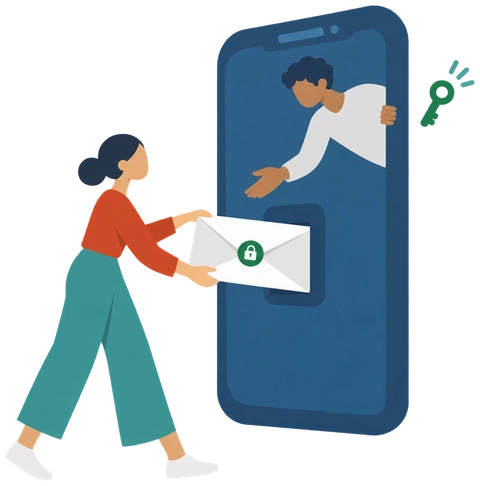
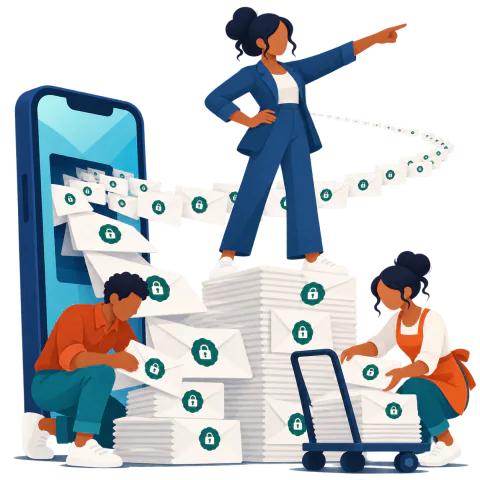
One key pair per device: every message is encrypted for your phones before it is stored.
 Puxh
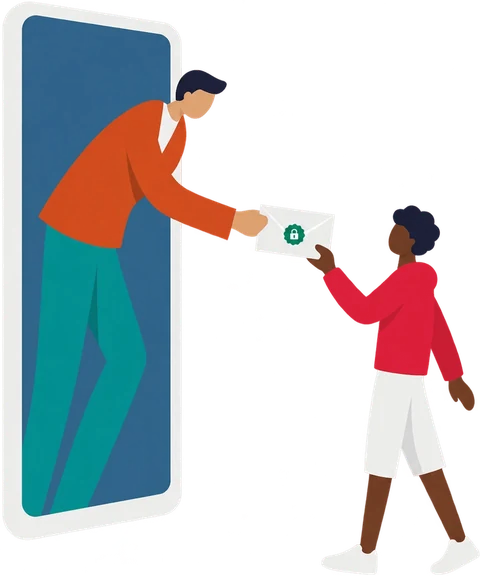
Puxh connects people with the businesses and services they chose. Every sender is identifiable, every permission can be withdrawn and private content stays encrypted.
Puxh connects people with the businesses and services they chose. Every sender is identifiable, every permission can be withdrawn and private content stays encrypted.
One key pair per device: every message is encrypted for your phones before it is stored.
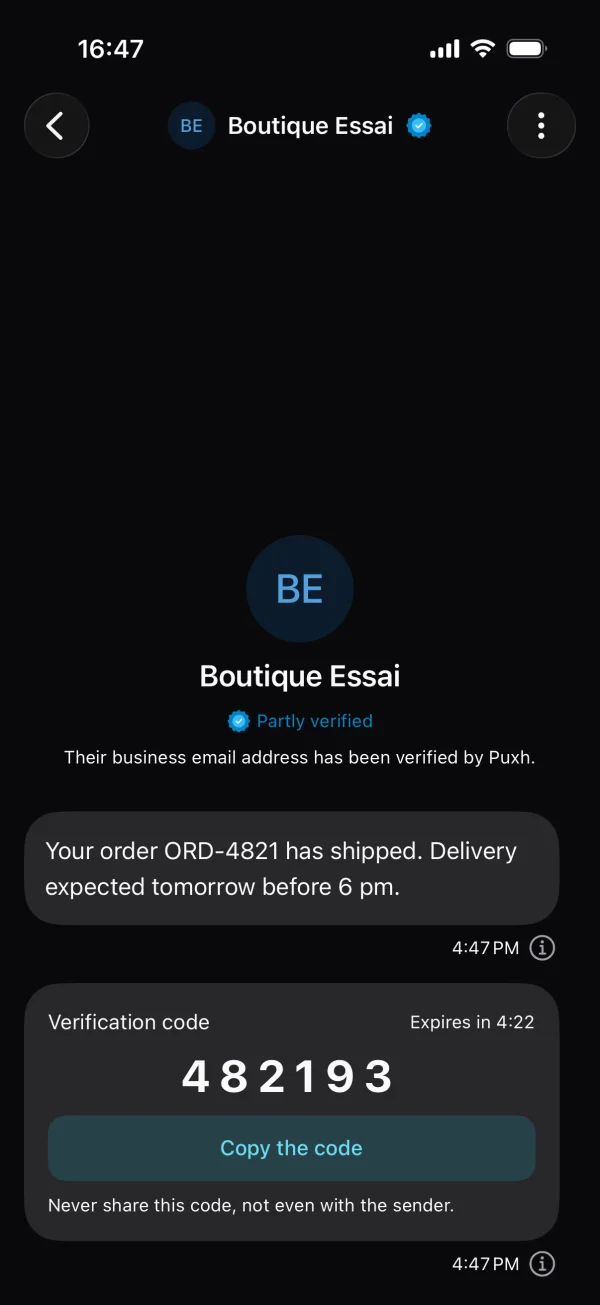
Codes, service messages and announcements. Never marketing.
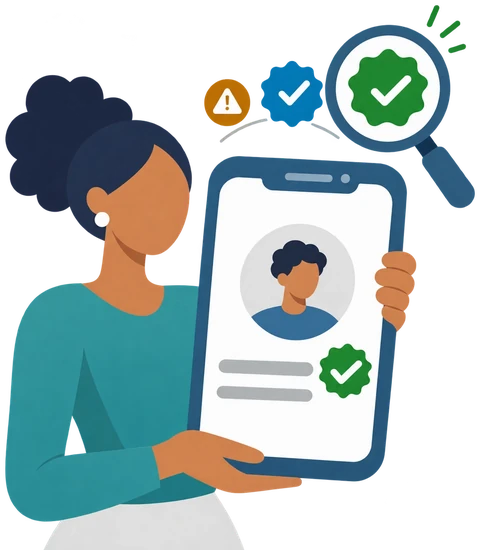
otputilityinfoThe badge shows who is writing, before you even open the message.
On iOS and Android, free for the people who receive the messages.
The Puxh app will soon be available on the App Store and Google Play.
1
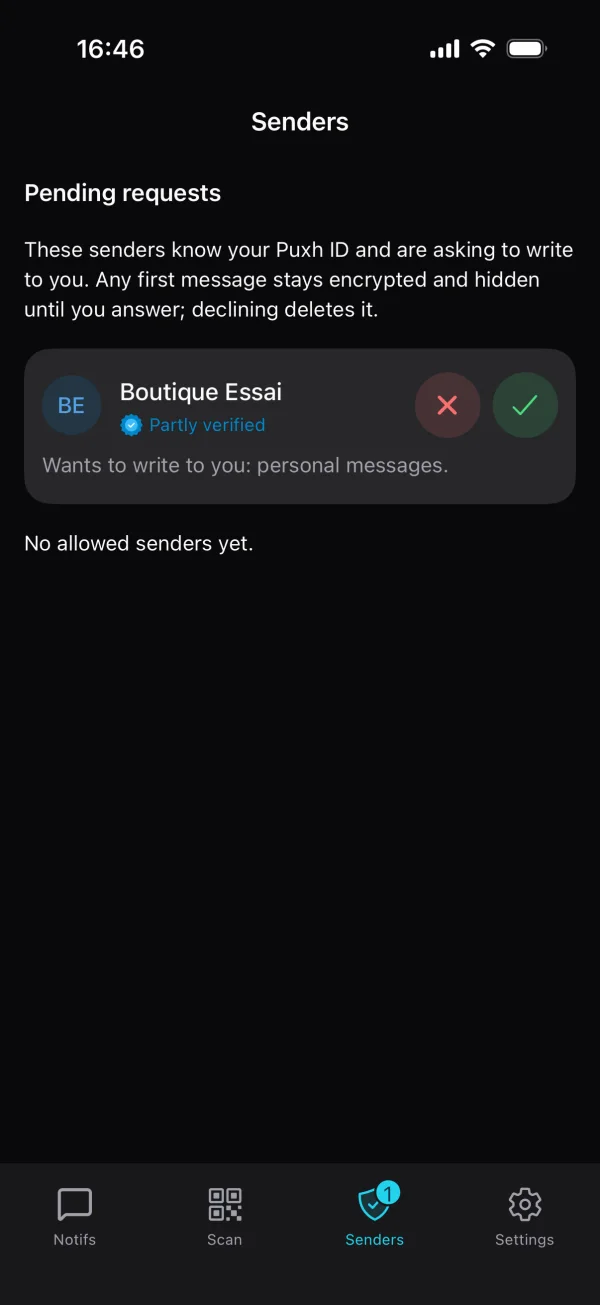
Scan their QR code or give them your Puxh ID.
2
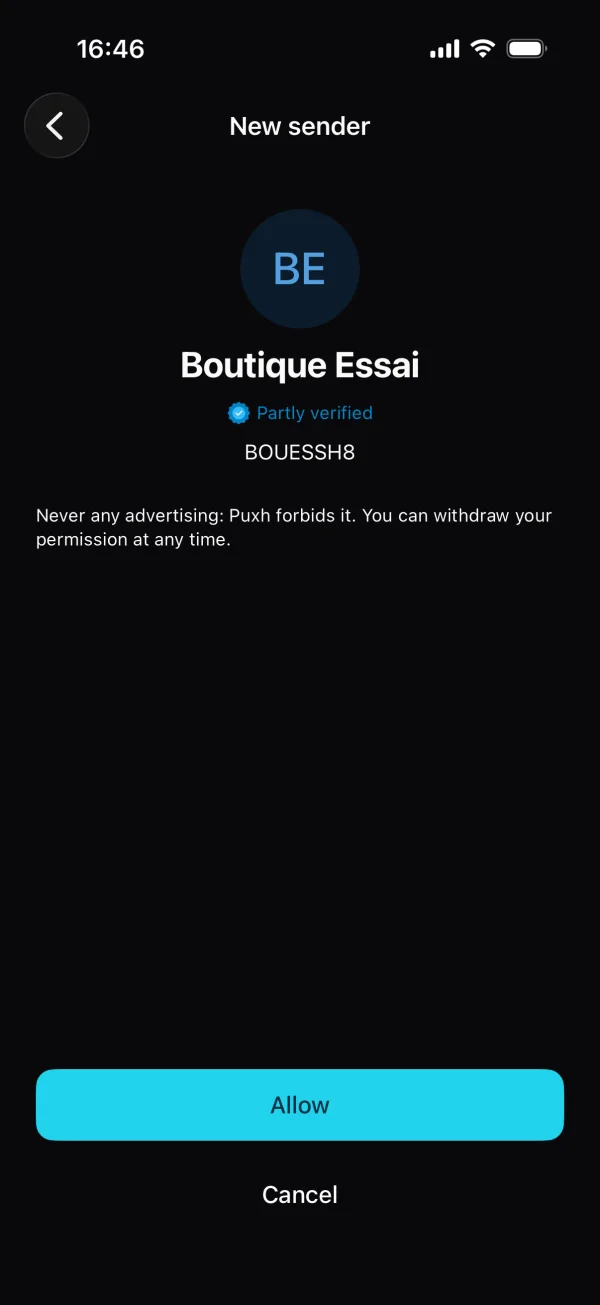
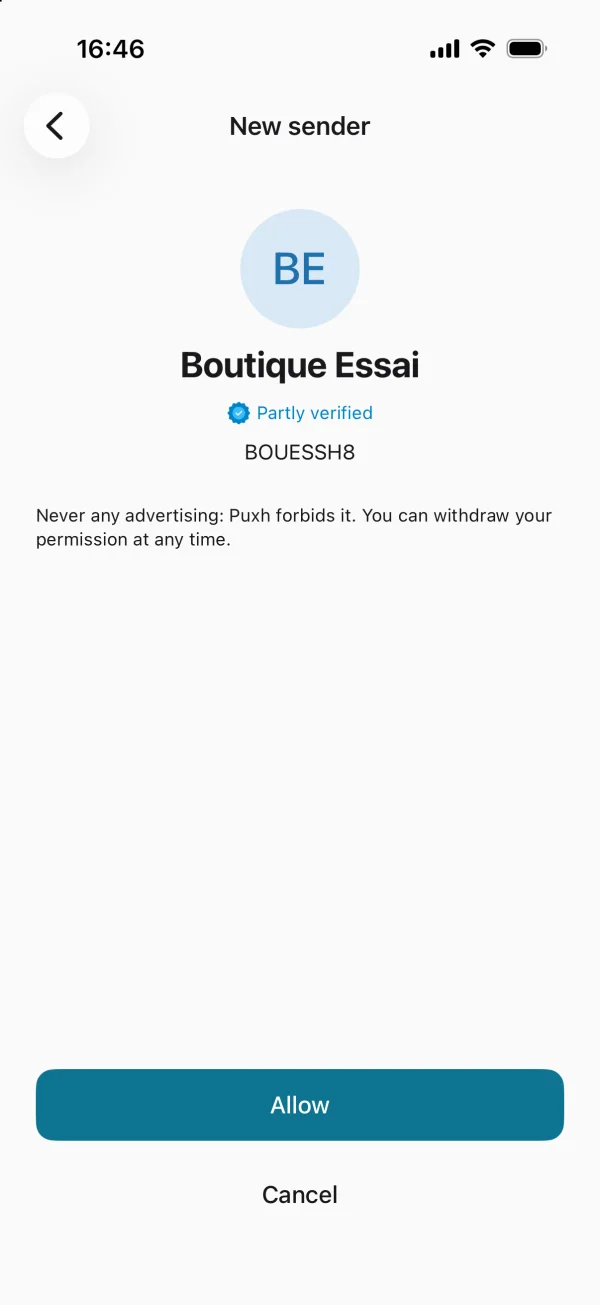
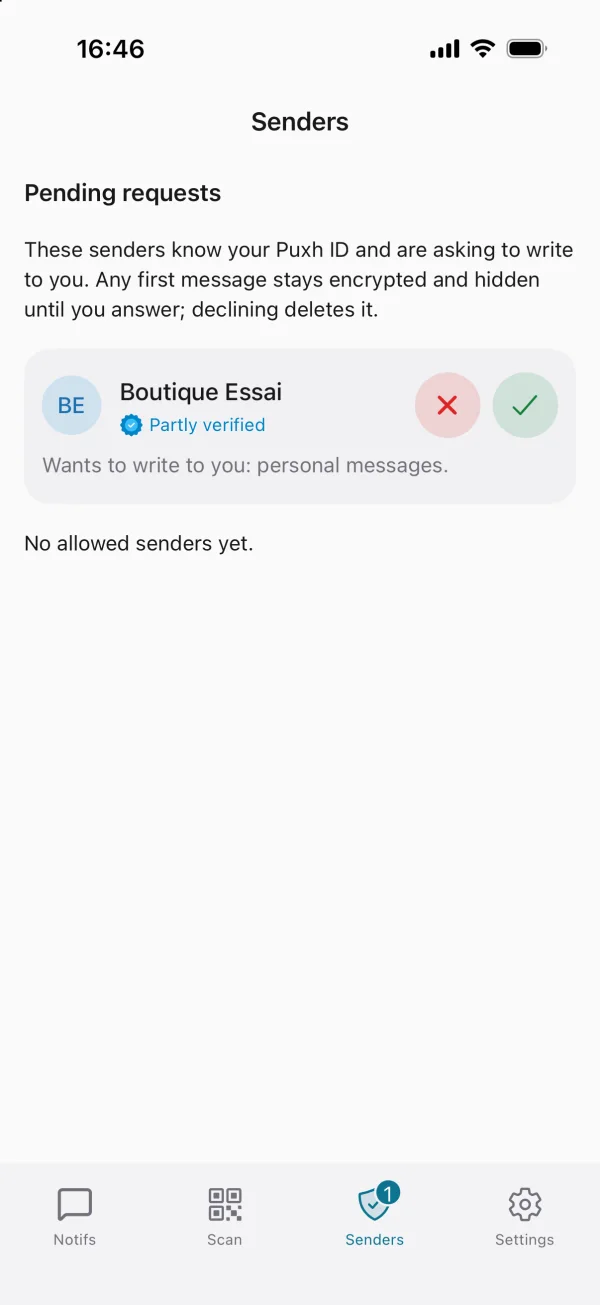
Review their identity, badge and announced messages.
3
Codes, order updates, appointments and alerts, together in one app.
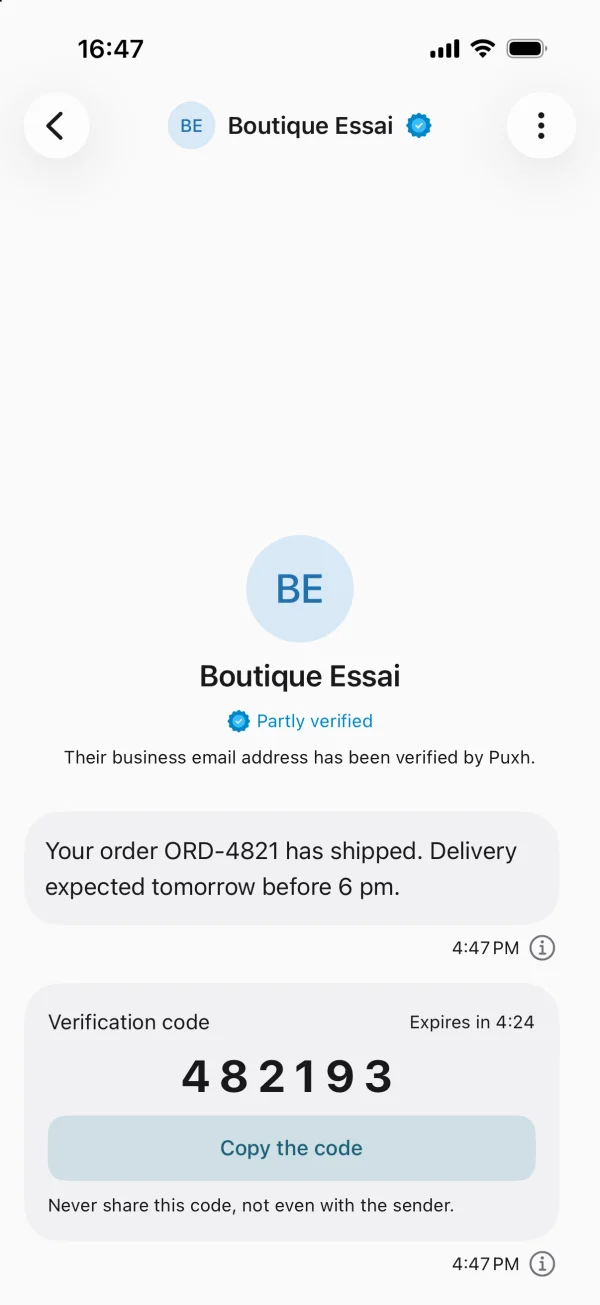
Puxh keeps expected messages apart from marketing and shows the guarantees that matter before you approve a sender.
The first contact waits for your decision. Declining does not reveal your identity and blocks further messages.
The name, Puxh ID and badge show who is writing and which verification level they reached.
Messages are encrypted for your devices before they are stored. The server checks and encrypts them without keeping a readable copy.
No free text: every message follows a template approved by the team, and links are limited to verified domains.
A sender reported by too many recipients is suspended automatically.
Mute a sender or withdraw your permission at any time, from the app.
Recipients, senders and developers each get what they need.
Recognise what deserves your attention. Add a sender, check their badge, then approve them.
Send with a lasting identity. Templates, API keys, send tracking and support from your space.
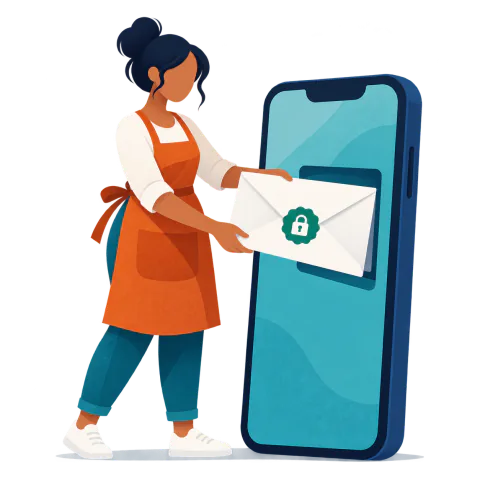
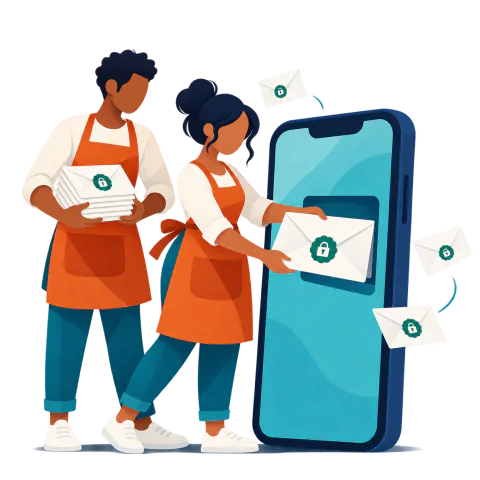
One HTTPS request with your API key: Puxh fills the approved template, encrypts it and delivers it to the recipient’s devices.
One message uses one credit, whatever its type. No subscription, a price that drops with volume and a balance that never expires.
Credited once per account, so you can start without paying.
3,500CFA francs
≈ €5.34
 Choose this pack
14,500CFA francs
≈ €22.11
 Choose this pack
46,000CFA francs
≈ €70.13
 Choose this pack
185,000CFA francs
≈ €282.03
 Choose this pack
Prices in CFA francs, paid through Paystack. The euro equivalent is exact, at the fixed parity; in the sender space, it follows your country’s currency.
See pricing detailsOn the sender side, three steps before the first send.
3,000 free messages
Sign in with a code received in the Puxh app or by email, create your first sender and get 3,000 free messages.
Blue or green badge
Blue badge with a work email on your domain, green badge with an identity or company document and a domain TXT record.
API and webhook
Get your templates approved, create an API key and track your sends; your recipients’ replies reach your webhook.
Create your sender space and use your 3,000 free messages.